
Zero friction
No server to deploy, no third-party account to manage. Install the extension, copy the code shown — it generates and renews itself — and your bookmarks follow you.

Sygnet syncs your bookmarks across Safari, Chrome, Firefox, Brave and Opera. Real-time. One signature.
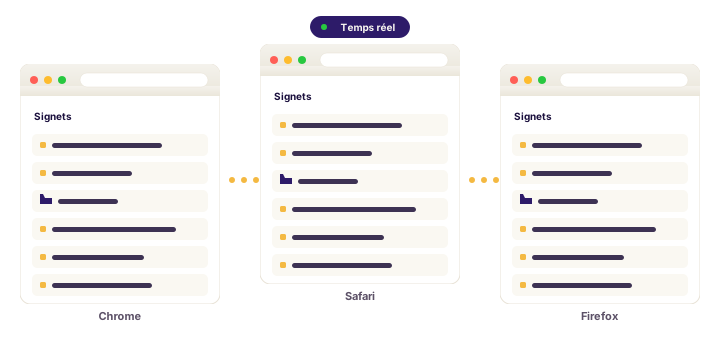
No server to deploy, no third-party account to manage. Install the extension, copy the code shown — it generates and renews itself — and your bookmarks follow you.

We truly sync Safari's native bookmarks, through the Sygnet app for macOS: a discreet menu-bar agent that starts with your session. Your Safari changes go up in near real time; changes from other browsers are applied the moment Safari closes — and a badge shows what's waiting, with one-click “Apply now”.

Under the hood: a CRDT (Yjs) that merges your changes automatically. You go offline, you come back, it just works. Always.

Your bookmarks live on infrastructure operated in Belgium. GDPR by default, export anytime, account deletion that actually wipes your data.

The My account page lists your paired browsers (last connection, last sync) and lets you revoke one in two clicks. Sygnet also detects the browser's own sync (iCloud, Opera Sync…) and offers to turn it off — one sync, zero duplicates.
Email + password, or one-click Google sign-in. You start on the Solo plan — free, no credit card.
One extension per browser (Chrome, Firefox, Brave, Opera, Safari). It auto-discovers Sygnet.
On sygnet.app, open “Pair”: a 6-digit code appears and renews itself. Copy it into the extension; on first pairing, a wizard asks what to do with what's already there — keep the account, keep this browser, or merge — always with a backup copy.